
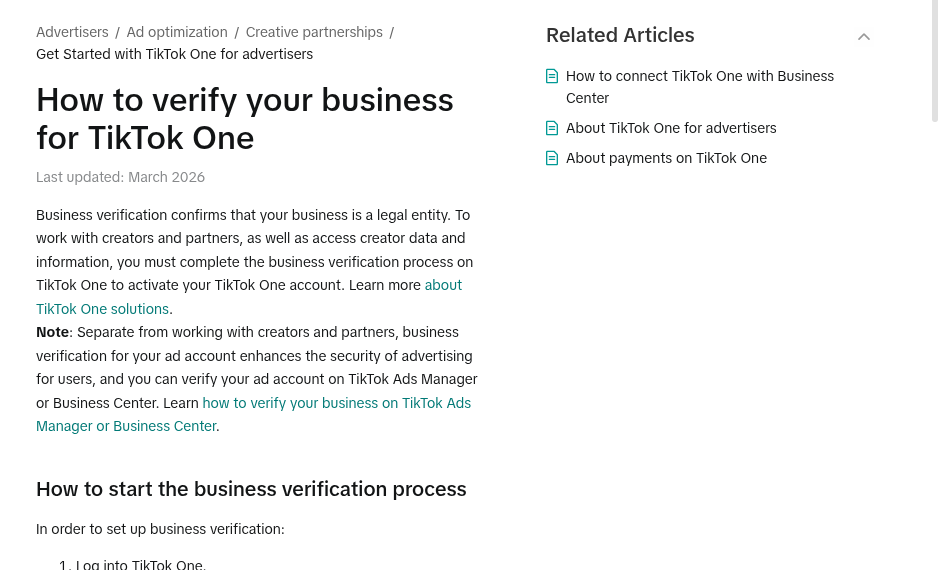
Business verification confirms to TikTok that the business is a legal entity. To work with creators and partners in TikTok One and access creator data, you must complete verification in TikTok One. Please note: verification of the ad account in TikTok Ads Manager or Business Center is a separate process - this guide does not cover it.
From TikTok's official help center: How to verify your business for TikTok One, updated March 2026 (screenshot from public help page).
Step 1: Where to Begin
Log in to TikTok One.
Hover over the profile in the top-right corner and select Account settings.
In the side menu, find the Business info module and open the Business verification page.
Click Start verification.
Step 2: Choosing One of Three Verification Methods
Linking verification from an existing verified ad account: If you have admin permission for an ad account that is already verified in TikTok Ads Manager, select Link a verification from your own account, select the advertiser ID, and click Submit - verification is approved immediately, without additional review.
Requesting to link to a verified account: If you do not have admin permission for the verified account, select Request to link to a verified account and enter the advertiser ID - the account owner will receive an approval request via email, and once approved, verification will be completed. You can also copy the request link and send it directly.
Creating a new verification: If there is no verified account to link to, select Create new verification, fill in the business details, and upload the required documents. TikTok's review can take up to 3 business days.
Step 3: Documents
The list of acceptable documents varies by country and is detailed on TikTok's official page (Acceptable documents for business verification). When multiple document types are possible, it is best to upload as many of them as possible.
Please Note
Providing false or misleading details will lead to rejection of verification, and TikTok may take additional actions against the account. Verification for TikTok One and verification of the ad account are two separate processes - the ad account can be verified directly in Ads Manager or Business Center.
Official source: TikTok Help Center for Business - "How to verify your business for TikTok One", at ads.tiktok.com/help (updated March 2026).